
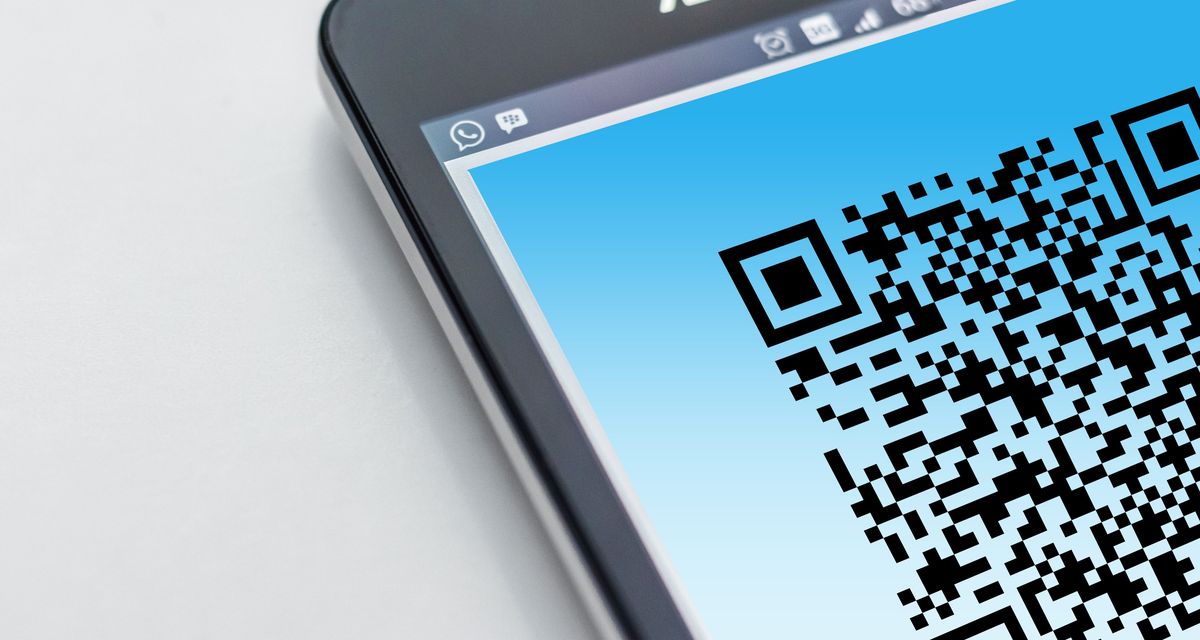
We scan QR codes all day without thinking: the menu at the coffee shop, the parking machine, SnapScan at the market. Attackers have noticed how automatic that scanning reflex has become, and they are using it to slip past security tools that would have caught the same trick in a normal email.
What the scam is
The technique even has a name, quishing. Instead of a written link your email security can inspect, the attacker encodes the web address into a QR code. You scan it with your phone, the phone opens the link, and you land on a page built to capture your login or card details, usually a convincing copy of a Microsoft 365 sign-in screen or a payment form.
It works for two reasons. First, a QR code is a picture, and most email filters read text, so the bad link sails through inside an image. Second, scanning moves the whole exercise onto your personal phone, which usually has none of the web filtering and protection your work computer enjoys. One scan and you have stepped outside the security your business pays for, without noticing you left.
It is growing quickly
In its report on email threats for the first quarter of 2026, Microsoft counted around 8.3 billion phishing threats in three months, and QR code phishing grew 146% across the quarter, from 7.6 million attacks in January to 18.7 million in March. Around 70% of them arrived as a QR code inside a PDF attachment, dressed up as an ordinary document.
The versions doing the rounds
- A "security" email, apparently from Microsoft or your IT people, asking you to scan a code to re-enrol your multi-factor authentication. The code opens a fake login page.
- A shared document that needs you to "sign in to view".
- An invoice with a QR code to "pay faster", which routes the payment to the attacker.
- A missed-delivery notice asking you to scan to reschedule.
- A sticker in the real world, printed and pasted over the legitimate code on a parking meter or payment terminal.
The habits that protect you
Treat any QR code that arrives by email or SMS with the same suspicion you would give a strange link, especially one that wants a login or a payment. When you do scan, your phone shows the address before it opens the page: read it, and close it if it is not the site you expected. If an email says your account needs attention, do not let the code choose your destination. Open the browser and type the address yourself.
Urgency is its own warning sign. A message threatening account closure "within 24 hours" is trying to rush you past your judgement. And if a password does get captured, phishing-resistant sign-in is what limits the damage: a passkey or number-matching in an authenticator app is much harder to abuse than a texted code.
Then tell your team. Most people have simply never been warned about this one, and a two-line message with a real example does more than a policy document.
If someone has already scanned one
Change the password for that account straight away, along with anywhere else the same password was used. Check that multi-factor authentication is on. Tell whoever looks after your IT so they can watch for unusual sign-ins, and if card or banking details went in, phone the bank now rather than later. Speed is what limits the damage.
Defender for Office 365, part of Microsoft 365 Business Premium, checks links at the moment they are clicked rather than only on arrival. It is one of the reasons we favour Premium for businesses that live in email.