
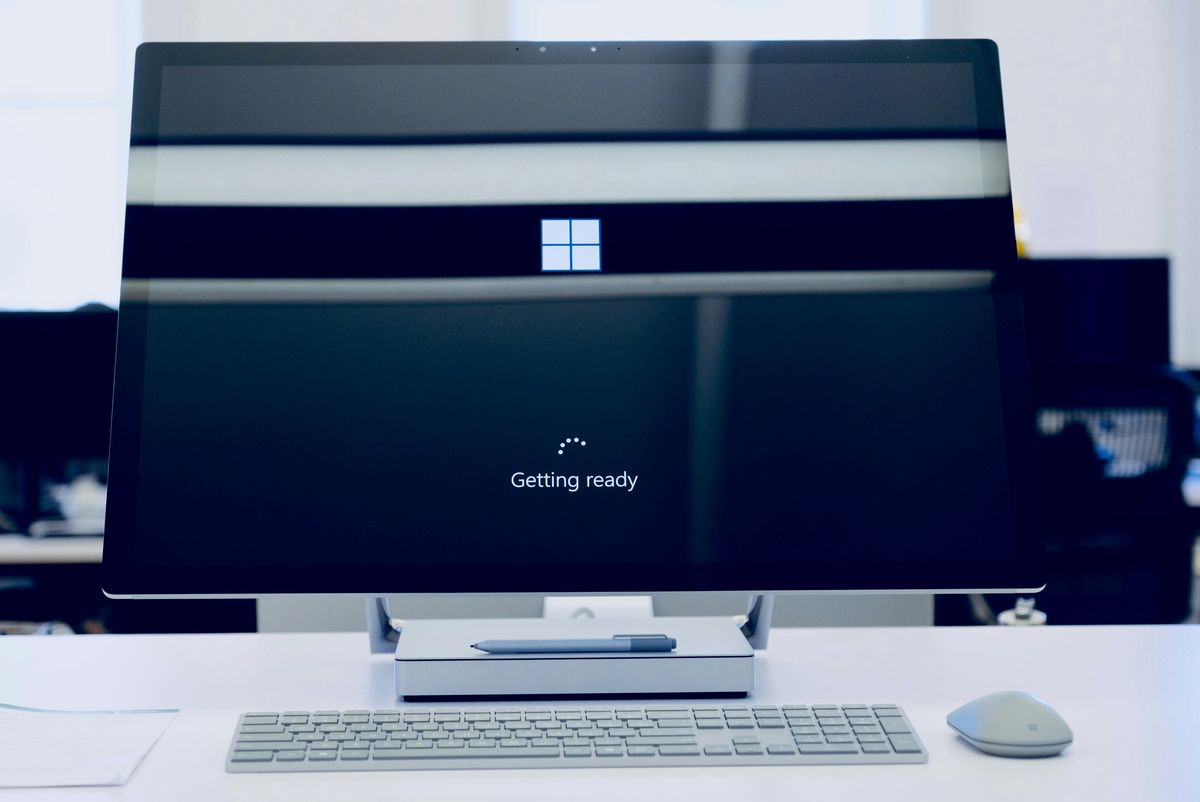
Microsoft stopped supporting Windows 10 on 14 October 2025. Every machine still running it turns on each morning and works exactly as it did, which is precisely why so many businesses have done nothing about it. The problem is invisible: each new security flaw found in Windows 10 now stays open forever, because nobody is fixing them any more.
What "end of support" actually means
No more monthly security patches, no quality updates, no technical support. The operating system does not switch off, it just stops being defended. Attackers specifically hunt for machines running software that no longer gets fixed, because a flaw found today will still be there next year. Britain's National Cyber Security Centre makes the point bluntly: holes in unsupported products stay exploitable, often by fairly unskilled attackers.
There are quieter costs too. If you handle card payments or personal information, the card rules and POPIA both expect appropriate, up-to-date protection, and an operating system with a growing list of unfixed flaws is hard to defend as appropriate. Insurers have started asking the same question on cyber cover renewals, and an unsupported system can raise the premium or give them a reason to argue a claim. And over time your everyday software drops Windows 10 as well, starting with the browser.
Your three options
Upgrade to Windows 11, at no cost, where the hardware allows it. Machines from the last few years usually qualify. The requirements that catch older PCs out are a supported processor, TPM 2.0 and Secure Boot, and Microsoft's free PC Health Check app gives a yes or no per machine. Files and programs stay in place.
Buy Extended Security Updates as a bridge. Microsoft will keep patching a Windows 10 machine for a fee: $61 per device for the first year, doubling each year, for at most three years. That is roughly $427 per device if you ride it to the end, for security patches and nothing else. It is a way to buy time for machines that cannot move yet, not a plan.
Replace the machine. For PCs too old for Windows 11, a new machine is often cheaper than years of escalating update fees stacked on top of ageing hardware that was due for retirement anyway.
How to plan it without drama
- List every computer still on Windows 10. Most businesses guess this number wrong.
- Check which ones qualify for the upgrade, with PC Health Check or your IT provider.
- Upgrade the ones that qualify, planned so the switch happens outside working hours.
- For the rest, decide per machine: a year of updates to buy time, or replace now.
Most businesses end up with a mix, and that is fine. What matters is that it was decided rather than left to drift.
The machine inventory, the upgrade check and the per-machine recommendation are part of the audit we do before any support plan starts. Update pricing we quote in rand, through our Microsoft partnership, so there are no surprise dollar invoices.